Nothing ruins a creative video faster than blurry compression artifacts or awkward black bars. Because TikTok serves millions of videos every minute, its encoding algorithms aggressively compress files that do not match the platform's native specifications. By formatting your videos to match TikTok's exact technical requirements before uploading, you ensure your clips display with maximum sharpness and fluid playback.
Optimal Video Specifications for TikTok at a Glance
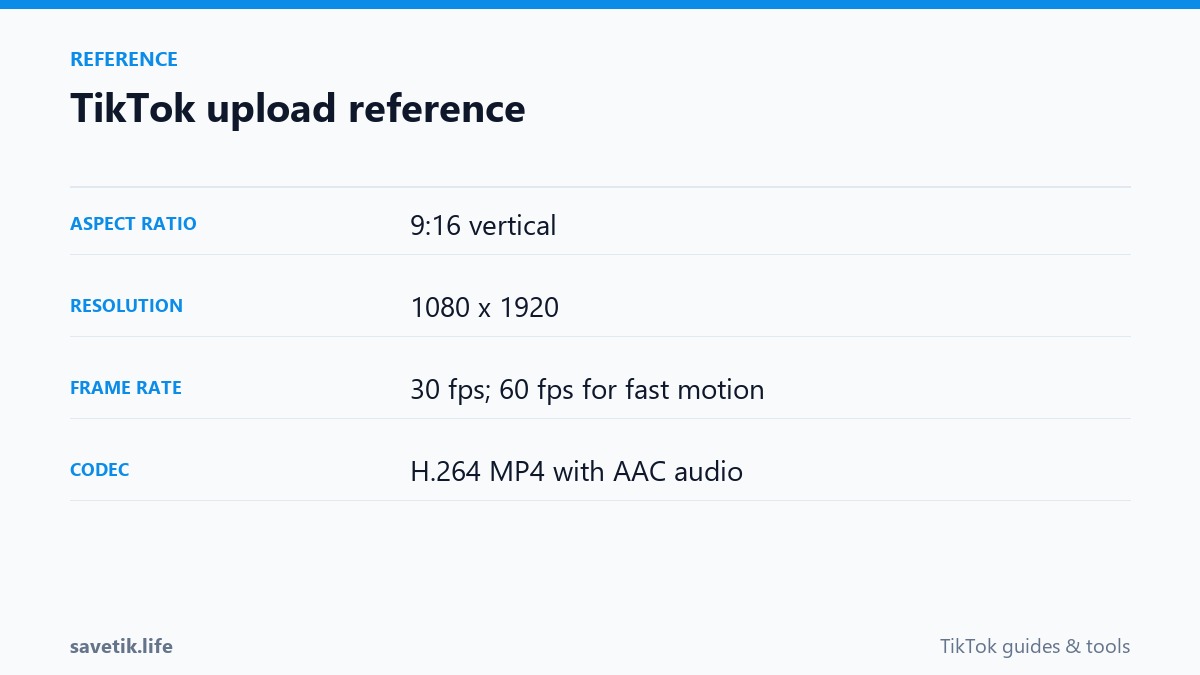
Here are the recommended standard technical settings for vertical video production in 2026:
- Aspect Ratio: 9:16 (vertical full-screen format).
- Resolution: 1080 x 1920 pixels (Full HD). While 4K recording is common on modern phones, TikTok automatically downscales uploads to 1080p. Pre-rendering at 1080p gives you greater control over compression.
- Container Format: MP4 or MOV (MP4 is universally recommended for faster processing).
- Video Codec: H.264 (AVC). While newer codecs like HEVC (H.265) offer smaller file sizes, H.264 remains the most reliably processed codec across all social platforms.
- Audio Codec: AAC audio at 128 kbps to 192 kbps stereo, 44.1 kHz or 48 kHz sampling rate.
- Frame Rate: 30 fps or 60 fps (30 fps is ideal for talking-head content; 60 fps provides smoother motion for gaming, sports, and dance clips).
- Maximum File Size: Up to 287.6 MB on iOS, up to 72 MB on Android, and up to 1 GB via the desktop web uploader.
Why 9:16 Aspect Ratio Is Crucial for Engagement
TikTok is designed from the ground up for single-hand vertical mobile viewing. If you upload horizontal 16:9 or square 1:1 videos, TikTok inserts thick black letterboxing bars above and below your content. Letterboxed videos take up less screen space, leading to lower visual impact and higher swipe-away rates. Always shoot and edit in vertical 9:16 orientation for maximum screen coverage.
Safe Zone Guidelines: Avoiding Interface Overlays
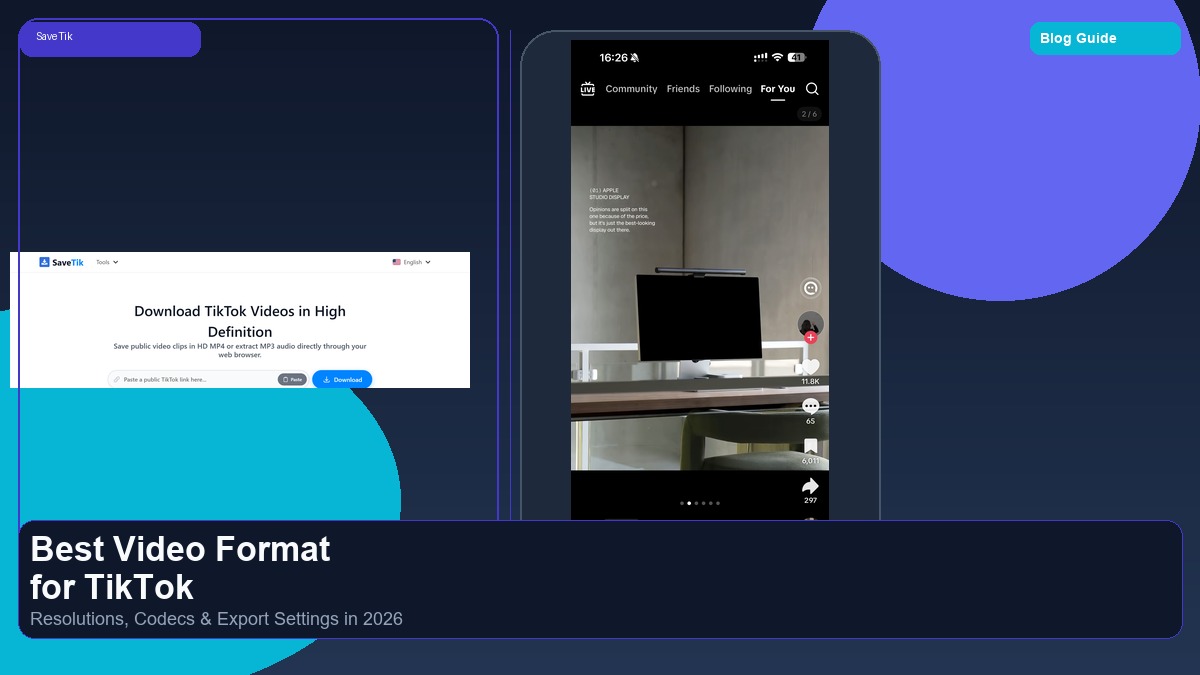
When designing titles, graphics, and subtitles, remember that TikTok's mobile user interface covers significant portions of the screen:
- Right Margin: Leave space for the profile avatar, like counter, comment icon, bookmark button, and share arrow.
- Bottom Margin: Keep the lower 20% of your frame clear of essential text to avoid being covered by the username caption, sound title, and search prompt.
- Top Margin: Keep the upper 10% clear of titles to prevent overlap with the Following / For You tab bar.
Inspecting and Testing Video Files with SaveTik
After producing and publishing test clips on TikTok, you can verify how the platform processed your upload by pasting your public video link into SaveTik. Downloading your live clip allows you to inspect the final MP4 bitrate and audio fidelity on desktop media players to ensure your production pipeline maintains high quality.
Common Export Pitfalls and How to Avoid Them
Even when shooting on high-end cameras, incorrect export settings can trigger severe platform compression. Watch out for these common rendering errors:
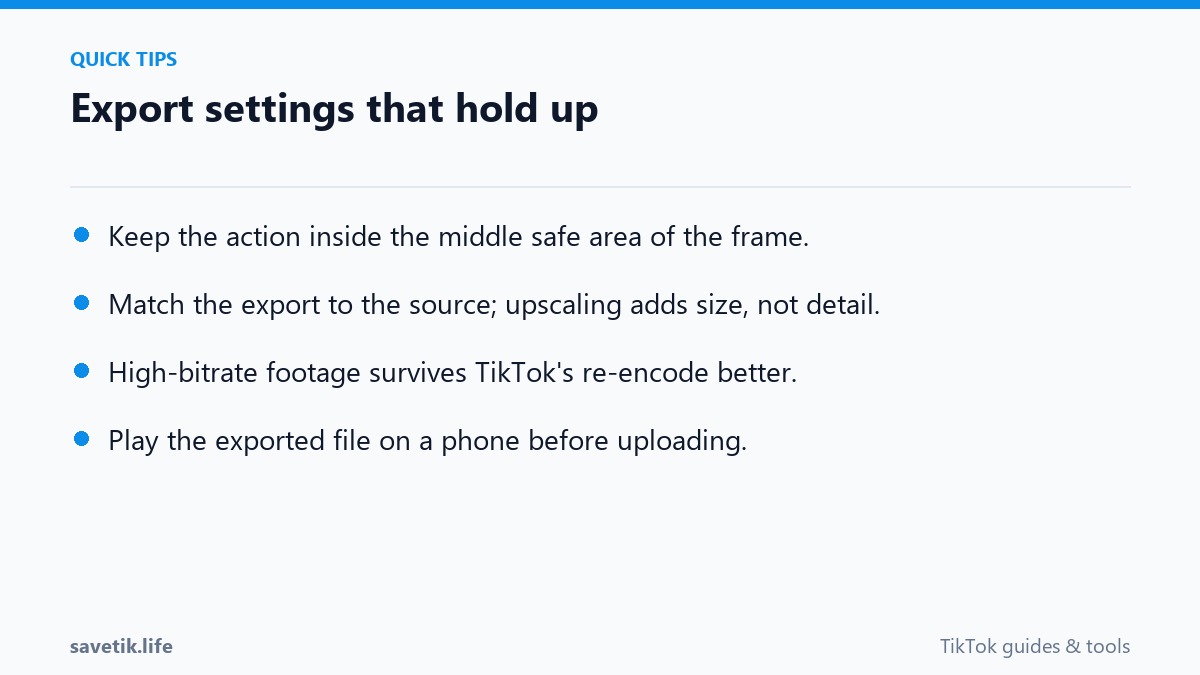
- Exporting at Excessively High Bitrates: Exporting at 50+ Mbps causes TikTok's servers to aggressively re-compress your video, often resulting in worse quality than a cleanly compressed 10-15 Mbps export. A target bitrate of 10 to 15 Mbps for 1080p video provides the ideal balance between file size and encoding clarity.
- Variable Frame Rate (VFR) Issues: Footage recorded on mobile phones often defaults to Variable Frame Rate, which can lead to audio desynchronization when uploaded. Always export your final master file in Constant Frame Rate (CFR) at 30 fps or 60 fps.
- Incorrect Color Space Profiles: Exporting in Rec.2020 or HDR without proper tone-mapping leads to washed-out, greyish footage on standard mobile displays. Ensure your rendering color profile is set to standard sRGB or Rec.709.
Frequently Asked Questions About TikTok Formats
Does TikTok support 4K video uploads?
While you can upload a 4K file, TikTok's backend transcoding servers downsample the video to 1080p resolution upon ingestion. Pre-rendering at 1080p on your timeline gives you superior sharpness and faster upload speeds.
Which is better for TikTok: 30 fps or 60 fps?
30 fps is ideal for talking-head vlogs, tutorials, and lifestyle content as it uses lower bandwidth. 60 fps is recommended for fast-action content like sports, gaming, and dance routines where motion fluidity is essential.
Production Checklist for 1080p TikTok Exports
Before rendering your final cut for social distribution, verify every parameter against this checklist:
- Canvas Aspect Ratio: 1080 x 1920 pixels strictly in 9:16 vertical alignment.
- Constant Frame Rate: 30.00 fps or 60.00 fps locked without variable frame rate pacing.
- Bitrate Encoding: VBR 1-Pass target bitrate of 12 to 15 Mbps with a maximum ceiling of 20 Mbps.
- Audio Configuration: AAC audio codec at 192 kbps, stereo channels, 48.0 kHz sample rate.
- Color Profile Standard: Rec.709 color space with standard sRGB gamma curves for accurate mobile color reproduction.