While browsing TikTok, you will occasionally find an insightful tutorial, recipe, or workout routine that you want to save for offline reference, only to discover that the standard "Save video" button is missing from the share sheet. When creators disable the direct download option, users often assume the video cannot be saved. Fortunately, there are several reliable ways to download public videos to your phone or computer.
Why Do Creators Turn Off the Save Button?
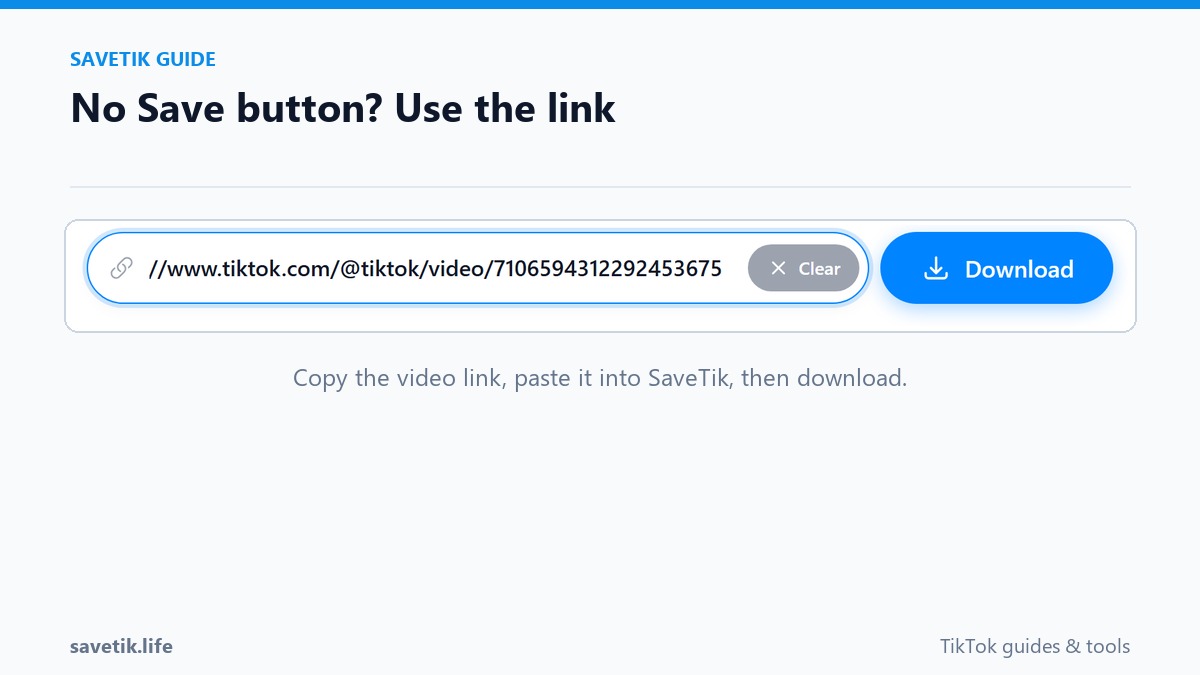
TikTok gives creators granular control over their content distribution settings. A creator might disable in-app downloads for several reasons:
- Encouraging Link Sharing: When direct saving is disabled, users are more likely to share the video via links or social messages, which boosts the video's engagement metrics inside the TikTok algorithm.
- Preventing Uncredited Reposts: Creators who produce intricate animations, digital art, or comedy skits often turn off direct downloads to discourage automated reupload accounts.
- Account Privacy Preferences: Some creators simply prefer their content to remain viewed exclusively within the TikTok app environment.
Method 1: Copy Link and Use an Online Browser Tool (Recommended)
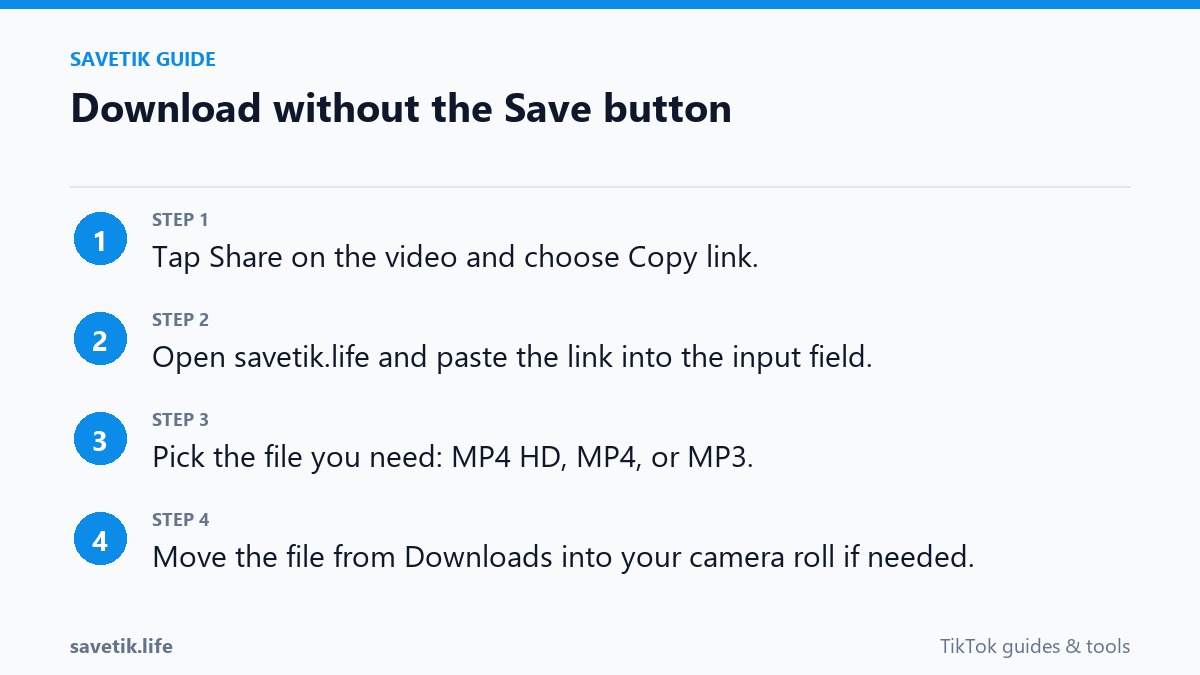
The cleanest and most reliable way to save a public video with a disabled save button is by copying its public URL and using a web-based utility:
- Open the TikTok video you want to save.
- Tap the Share arrow icon on the right side of the player.
- Select Copy link. Even when the Save Video button is turned off, the Copy Link button remains active on all public posts.
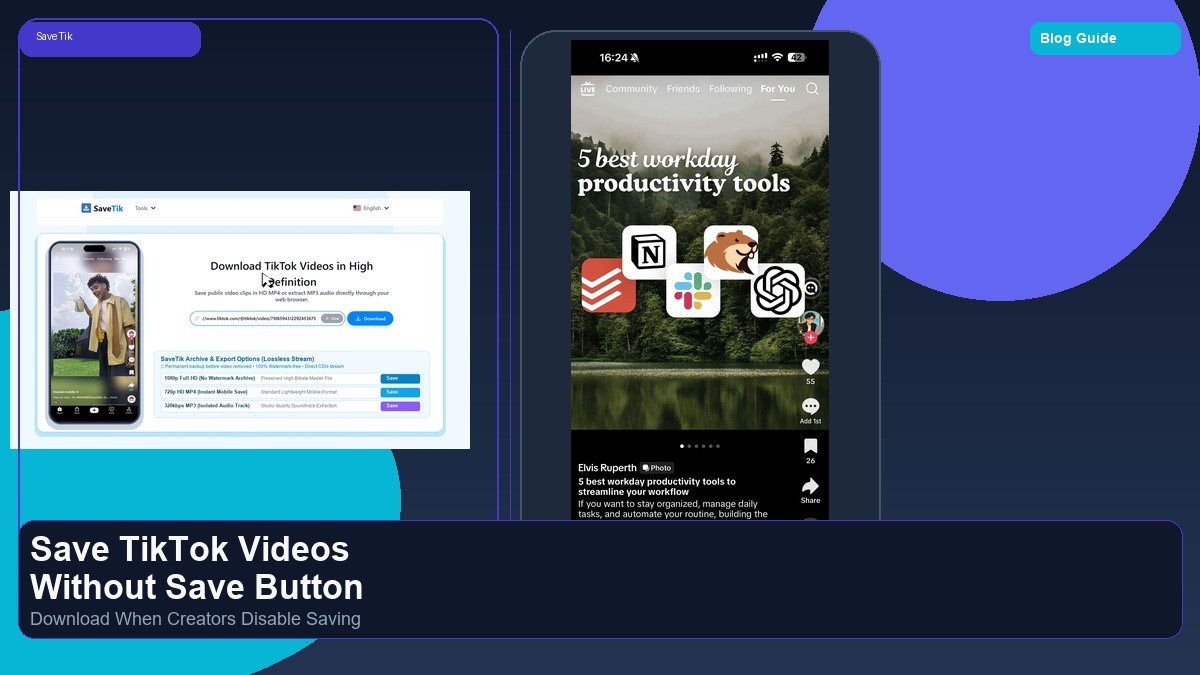
- Open your web browser (Safari on iPhone, Chrome on Android, or any desktop browser) and navigate to SaveTik.
- Paste the copied URL into the search box and tap Download.
- Choose your preferred video quality to save the clean MP4 file directly into your device storage.
Method 2: Using Built-in Screen Recording (Mobile Alternative)
If you only need a quick visual reference and do not mind on-screen interface elements, you can use your phone's native screen recorder:
- On iPhone: Swipe down from the top-right corner to open Control Center, tap the Screen Recording icon, switch back to TikTok, and play the clip. Tap the red status bar when finished to save the capture to Photos.
- On Android: Swipe down from the notification shade to locate the Screen Record quick toggle, start recording, play the video, and stop when finished.
- Drawback: Screen recordings capture the creator's username, heart button, comments bar, and timeline progress bar, and often result in lower audio fidelity compared to downloading the source file via SaveTik.
Respecting Creator Rights and Fair Use
When downloading videos that have saving disabled, always respect creator intellectual property. Use downloaded clips strictly for personal offline reference, education, or study. Never reupload another creator's work without permission or claim it as your own.
Technical Breakdown: Why Browser Utilities Can Access Disabled Posts
When you view a public TikTok video in a web browser, the platform must deliver the media file to your browser player so it can render on screen. While the mobile app hides the visual "Save" button in its user interface, the underlying public video URL remains accessible through the web document object model. Online browser tools like SaveTik read the public video asset parameters provided by the public URL and supply a direct download button for the media stream.
Organizing Your Saved Reference Library
Once you begin downloading helpful reference clips, establish an organized local filing system:
- Categorize by Purpose: Maintain separate folders for Educational Tutorials, Creative Inspiration, Workout Demonstrations, and Recipe Steps.
- Rename Files Descriptively: Replace generic numeric file names with descriptive tags such as
2026-baking-sourdough-tips.mp4for rapid retrieval. - Keep Regular Backups: Store important research files on external hard drives or cloud services to safeguard your library against device malfunction.
Frequently Asked Questions
Is it legal to download public TikTok videos for personal use?
Downloading publicly accessible videos for personal offline study, reference, and educational review is generally permissible under fair-use principles. However, redistributing, monetizing, or claiming ownership of other creators' footage without permission violates copyright laws.
Why do some links fail to load in browser downloaders?
If a post has been set to private, deleted by the author, or restricted to specific countries, external web tools cannot access the media stream.
Device Storage and Archive Organization Guidelines
Managing an extensive offline library of reference clips requires sensible storage habits:
- Utilize Cloud Backup Services: Regularly synchronize your downloaded reference folders to Google Drive, Dropbox, or iCloud to free up internal smartphone memory.
- Establish Consistent Tagging: Include the publication year, content topic, and original creator handle in each file name for instant desktop indexing.
- Delete Redundant Takes: Periodically review your saved folders and remove outdated reference material to maintain a lean, actionable library.
- Maintain Ethical Standards: Remember that offline reference saving is meant for study, inspiration, and analysis. Always credit original creators when implementing concepts.