Reuploading or curating third-party video clips is a popular strategy on TikTok for building meme channels, educational roundups, and commentary accounts. However, reposting videos without understanding platform policies and intellectual property laws often leads to muted audio, restricted distribution, or account strikes. This guide breaks down how to curate content responsibly, apply transformative editing techniques, and stay compliant with copyright standards in 2026.
Understanding Copyright and Intellectual Property on TikTok
Every piece of video, graphic art, and audio uploaded to TikTok belongs to its original creator by default. When an account reposts another user's content verbatim without permission or meaningful changes, TikTok's automated content matching algorithms can flag the video as unoriginal content. Under TikTok's Community Guidelines, accounts that consistently distribute unoriginal media may have their reach limited on the For You page (FYP) or lose access to monetization programs.
Fair use is a legal doctrine that permits limited reuse of copyrighted material without permission under specific circumstances, such as criticism, news reporting, teaching, and parody. However, simply placing a frame around someone else's clip or adding a reaction sticker does not automatically qualify as fair use. Understanding this distinction is vital before republishing any third-party media.
How to Source and Select Content Safely
When curating videos for your channel, focus on sources that encourage community sharing and commentary:
- Public Domain and Creative Commons Media: Look for video archives and audio libraries that explicitly permit derivative works and commercial reuse.
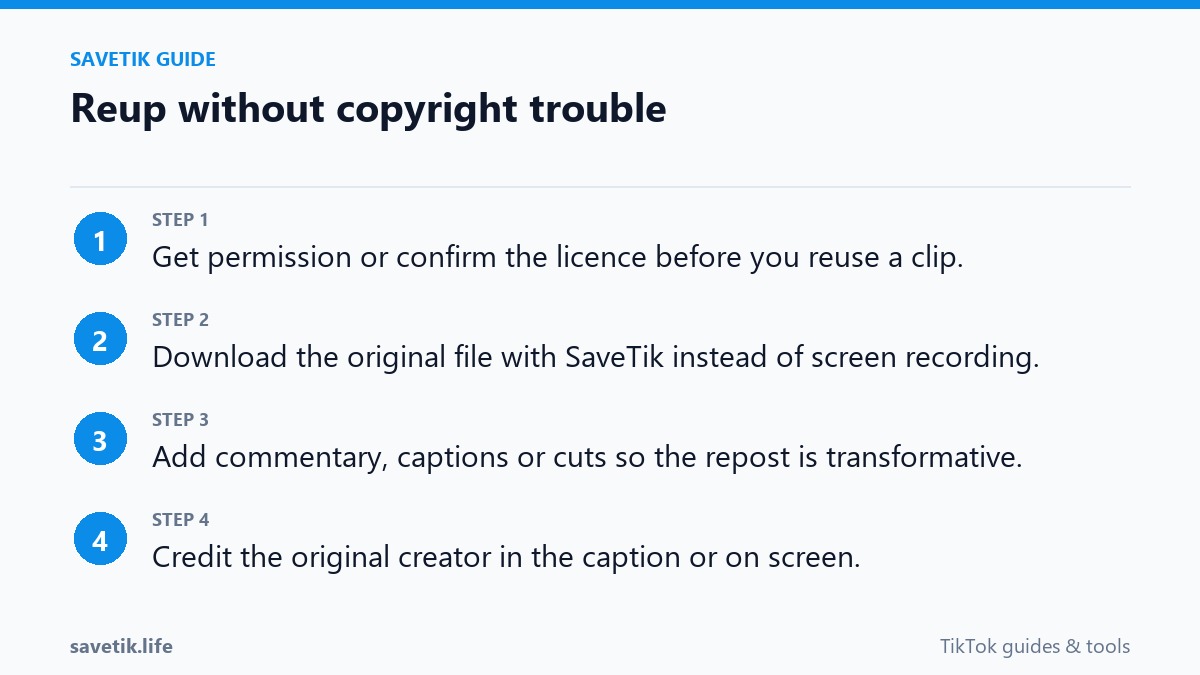
- Direct Creator Permission: Whenever possible, reach out to original creators via direct message or email to request permission before featuring their content in your compilations.
- Avoid Commercial Music and Licensed Clips: Reposting videos that include copyrighted background tracks from major record labels often triggers automated audio mutes across multiple regions.
Transformative Editing: Adding Real Value to Curated Clips
To differentiate your content from identical reposts, your video must be substantially transformative. Here are proven ways creators add genuine value to curated footage:
- Provide Original Voiceover Commentary: Add your own insights, analysis, or instructional breakdown over the video track so the primary focus is your unique educational input.
- Multi-Clip Synthesis: Instead of reuploading a single full clip, combine short 2-3 second excerpts from multiple sources to illustrate a broader point or comparison.
- Custom Graphics and Annotations: Incorporate clean informational overlays, explanatory subtitles, and custom motion graphics to enhance viewer comprehension.
- Replace or License Background Audio: Use royalty-free music from TikTok's Commercial Audio Library or compose original voice narration to prevent automated music claims.
Using SaveTik to Acquire Clean Reference Clips
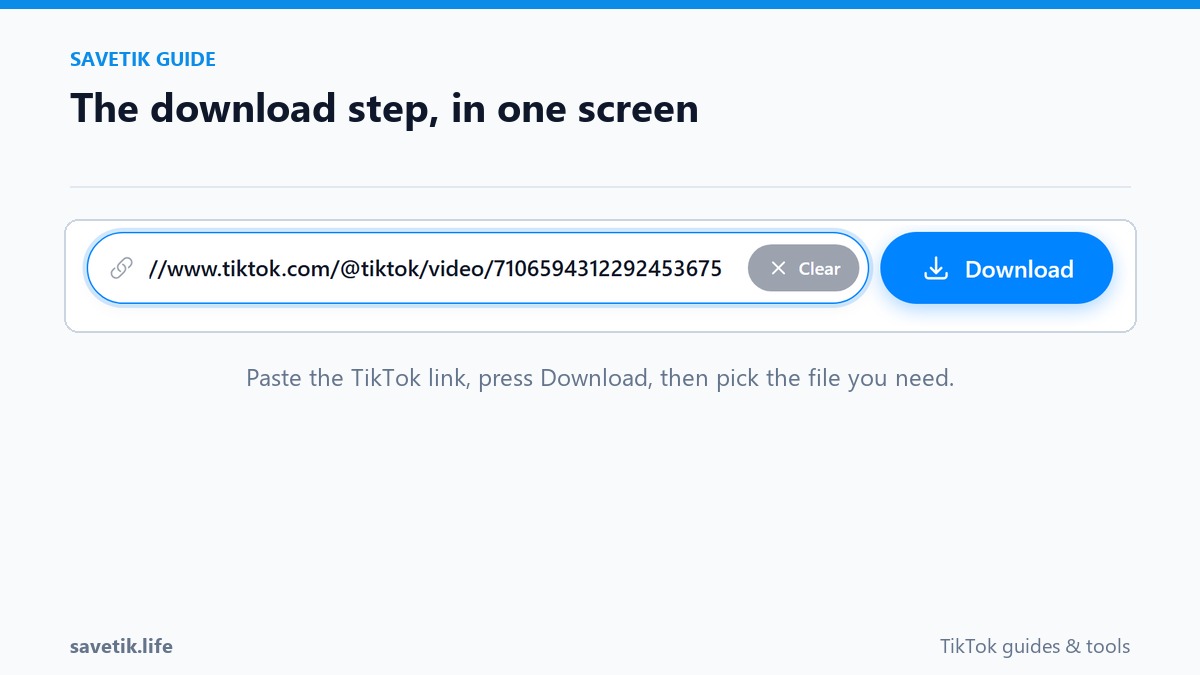
When you have permission to review or react to a public TikTok video, using an online utility like SaveTik allows you to save the source MP4 file to your computer or mobile device. By working with a clean video file, you can import the footage into professional video editing software (such as CapCut, DaVinci Resolve, or Adobe Premiere) and apply color grading, audio leveling, and custom voiceover tracks without compression artifacts.
Best Practices for Attribution and Long-Term Channel Growth
Ethical content curation requires giving clear and visible credit to the original creators. Always tag the creator's TikTok handle prominently in your video caption, and place on-screen text acknowledging their contribution. Building relationships with original creators not only prevents copyright disputes but also opens doors to future creative collaborations.
Common Mistakes That Trigger Content Restrictions
Creators attempting to curate content often fall into preventable pitfalls that harm account reputation. Here are the primary errors to avoid:
- Relying on Simple Flipping or Border Additions: Mirroring a video or adding a blurred border around it no longer fools modern perceptual hash algorithms. TikTok's neural networks analyze keyframe structures and visual cadence, easily detecting unoriginal footage unless meaningful editorial layers are introduced.
- Ignoring Regional Music Licensing: Even if a commercial song is trending in North America, reposting it in European or Asian regions may lead to regional copyright blocks. Always verify audio licensing status across your target audience markets.
- Neglecting Creator Relationships: When a creator discovers their work reposted without consent, their first reaction is often filing a DMCA takedown notice. Proactive outreach and polite communication transform potential disputes into valuable networking opportunities.
Frequently Asked Questions About TikTok Copyright
Can I reupload my own videos from Instagram Reels or YouTube Shorts?
Yes. You own the copyright to your original content across all platforms. However, ensure you upload a clean master file rather than a video containing another platform's visible watermark, as TikTok deprioritizes videos with competitor logos.
What should I do if a curated video gets an audio mute?
If your video is muted after publishing, navigate to the video options inside TikTok, tap "Replace Sound," and select a licensed track from the Commercial Music Library to restore audio playback without deleting your post.
Summary Checklist for Safe Content Curation
Before publishing any curated TikTok clip, review this essential five-point safety checklist:
- Verify Media Licensing: Ensure background music and audio assets are cleared for commercial or community use on TikTok.
- Check Transformative Depth: Confirm that your original commentary, pacing edits, or visual breakdowns provide tangible context that did not exist in the source file.
- Clear Attributions: Place visible on-screen text and tag the original creator prominently in the video description.
- Avoid Automated Scraper Tools: Use reliable browser utilities like SaveTik to manually inspect and download source clips rather than relying on automated repost bots that trigger platform spam filters.
- Monitor Viewer Feedback: Pay attention to community comments and creator responses. If an original author requests removal, honor their preference promptly to maintain good standing across creator communities.