Whether you are rebranding your content niche or choosing a more memorable personal brand, updating your profile details on TikTok is a straightforward process. However, many users confuse their Display Name with their Username ID. This guide explains the differences between the two, walks through the exact steps to change each on mobile and desktop, and highlights important limitations to keep in mind.
Display Name vs. Username ID: What Is the Difference?
Before making adjustments to your profile, it is helpful to understand how TikTok organizes your identity:
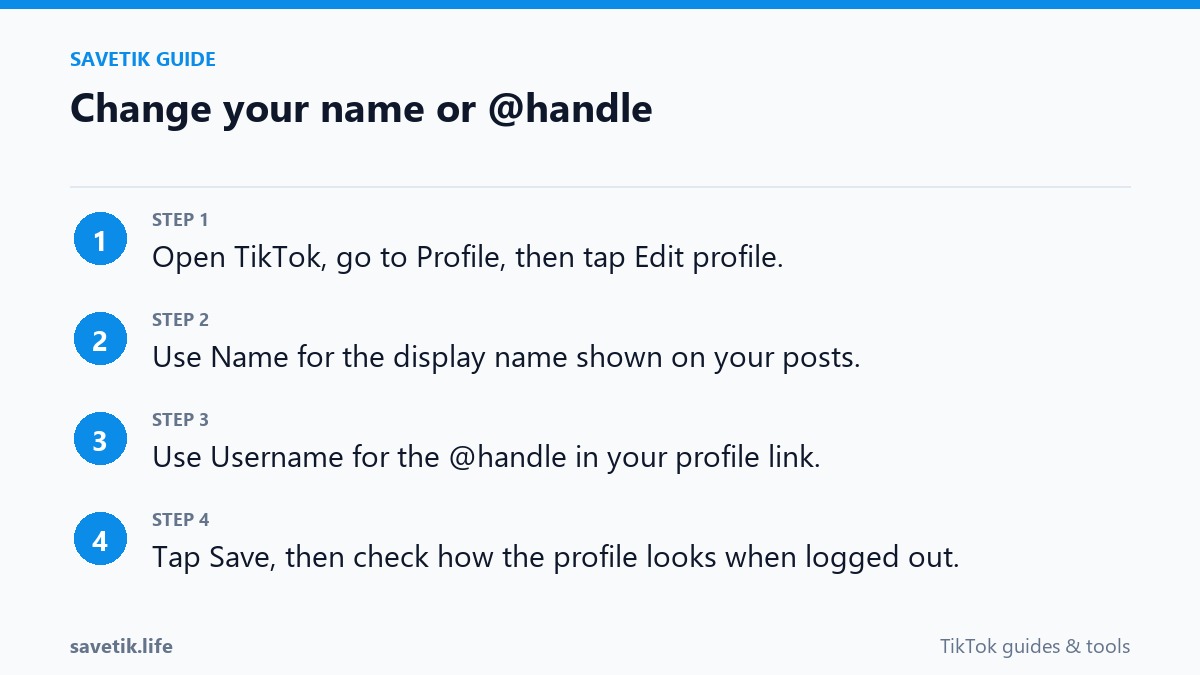
- Display Name (Nickname): This is the prominent name that appears in bold at the top of your profile and above your comments. Your display name does not have to be unique; multiple users can have identical display names. TikTok allows you to change your display name once every 7 days.
- Username ID (@handle): This is your unique handle preceded by the "@" symbol (for example,
@creatorname). It forms your unique profile URL (tiktok.com/@creatorname) and is used when other accounts tag or mention you in videos and comments. TikTok restricts username changes to once every 30 days.
Step-by-Step: Changing Your Display Name on Mobile
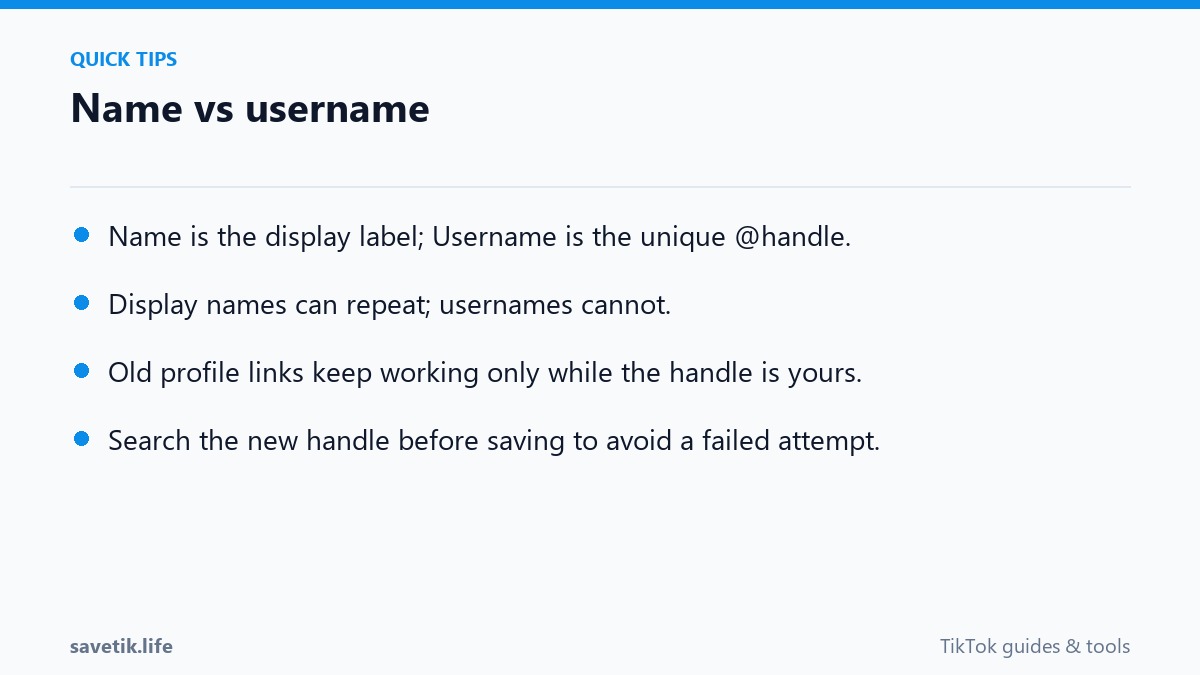
- Open the TikTok app and tap your Profile tab in the bottom-right corner.
- Tap the Edit profile button located directly below your follower count.
- Tap the Name field at the top of the menu.
- Enter your desired new display name (up to 30 characters) and tap Save in the top-right corner.
- Confirm your update. Remember that you will not be able to change this display name again for 7 days.
Step-by-Step: Changing Your Username ID (@handle)
- From your TikTok profile page, tap Edit profile.
- Select the Username field.
- Type your proposed new username. TikTok will check availability in real time; a green checkmark indicates the handle is available. Usernames may only contain letters, numbers, underscores, and periods (periods cannot be placed at the end).
- Tap Save, then read the confirmation dialog carefully.
- Confirm the change. Once submitted, your profile URL updates immediately, and you must wait 30 days before making another change.
What Happens to Your Profile Links and Mentions?
Changing your username handle modifies your public profile URL. Any external links you previously shared on Instagram, Twitter/X, or personal websites will no longer direct visitors to your profile unless updated. Additionally, friends attempting to mention your old handle in comments will tag an inactive or unassigned handle. Before finalizing a major username change, consider downloading your milestone videos using SaveTik so you have local backup copies of your portfolio in case of account transition issues.
Troubleshooting Common Name Change Errors
If TikTok prevents you from saving your new name, check for these common causes:
- Cooldown Period Active: If you changed your username within the last 30 days (or your display name within 7 days), TikTok locks the field until the timer expires.
- Handle Already Taken: Usernames are strictly unique worldwide. If your chosen handle is registered by another account, you will need to add a modifier or choose an alternative.
- Prohibited Terms or Characters: Usernames cannot contain spaces, special symbols (like !, $, or *), or terms that violate platform safety standards.
Impact of Username Changes on Analytics and Follower Growth
Altering your public handle has practical ramifications that extend beyond vanity:
- Temporary Search Engine Delay: External search engines like Google and Bing index TikTok creator profiles based on their
@usernameURL. When you change your handle, it can take anywhere from a few days to several weeks for search engines to recrawl your new URL and restore your search ranking. - Audience Recognition and Notification Feed: If your new handle is radically different from your previous identity, loyal followers may not recognize you in their Following feed or direct message inbox, potentially leading to accidental unfollows.
- Claiming Inactive Handles: TikTok does not reassign inactive handles upon request unless you hold an active registered trademark for that exact brand name.
Frequently Asked Questions About Profile Names
Can two people have the exact same TikTok display name?
Yes. Multiple users can share identical display nicknames. However, username handles (@handles) must be completely unique across the entire global platform.
Will changing my username reset my follower count or video views?
No. Your follower count, total likes, video library, and comment history remain completely unaffected when you update your username.
Long-Term Branding Strategies for TikTok Creators
Maintaining consistent identity across multiple social channels establishes immediate credibility. Here is how professional creators structure their branding updates:
- Keep Handles Short and Memorable: Avoid complex combinations of underscores, random numbers, or repeated characters that make oral recommendations difficult on podcasts or live streams.
- Match Your Niche: If your channel focuses on tech reviews or fitness coaching, incorporate clear keywords into your display nickname while keeping your username handle clean and concise.
- Update Media Kits and Business Cards: Immediately refresh your digital media kit, email signatures, and external landing pages so potential brand partners can locate your updated account without friction.
- Pin an Informational Update: Create a short 10-second video explaining your rebrand and pin it to the top of your profile grid for the first 30 days after the change.