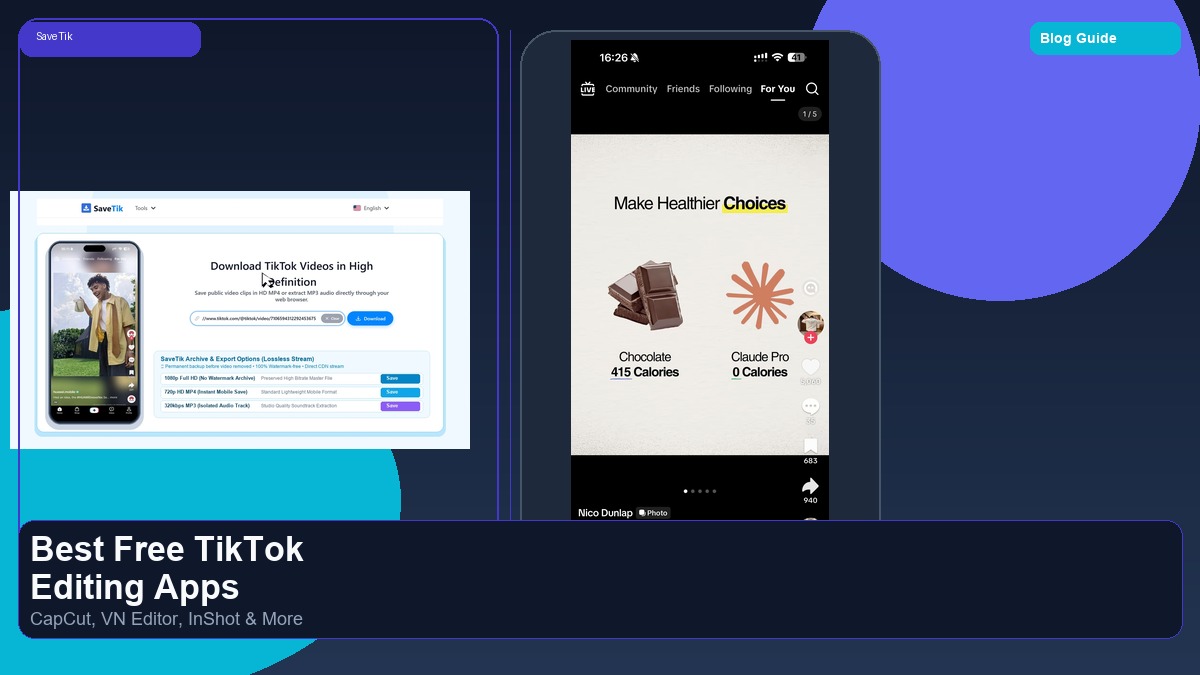
Creating engaging short-form videos on TikTok requires more than just shooting raw footage on your phone. Polished transitions, dynamic auto-captions, sound sound effects, and clean color grading can significantly elevate the quality of your content. Fortunately, you do not need an expensive desktop editing suite to produce professional results. Here is our detailed breakdown of the top free video editing apps available for iPhone and Android in 2026.
1. CapCut: The Most Seamless TikTok Integration
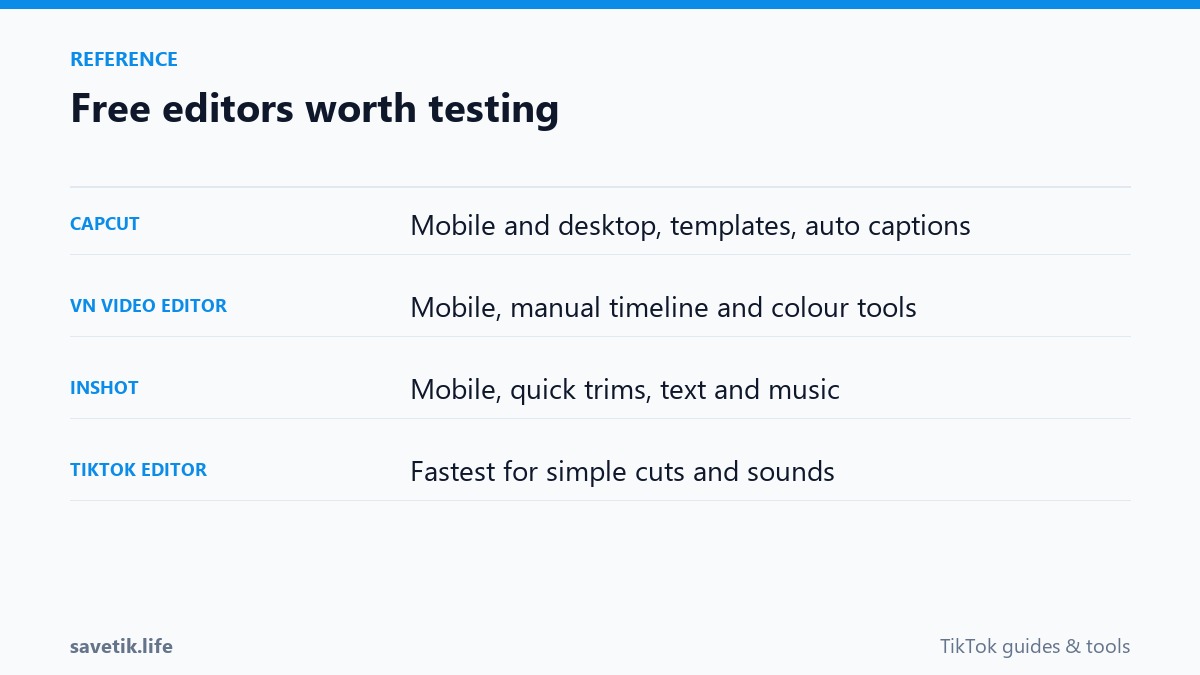
Developed by ByteDance (TikTok's parent company), CapCut is the undisputed leader for short-form mobile editing. Because it links directly with your TikTok account, it offers native access to trending audio tracks, popular meme templates, and one-tap TikTok export options.
- Key Features: Highly accurate automatic voice-to-text captions, background removal (cutout) without green screens, speed ramping with smooth slow-motion interpolation, and keyframe animation.
- Pros: Enormous library of royalty-free effects and templates; free export without permanent watermarks (the ending watermark screen can be deleted with one tap).
- Cons: Certain advanced AI effects now require a CapCut Pro subscription.
2. VN Video Editor: Professional Timeline on Mobile
VN Video Editor is a powerhouse tool designed for creators who want multi-track desktop-style editing on their phone or tablet without intrusive subscriptions.
- Key Features: Multi-layer video and audio tracks, curve-based speed ramping, customizable PIP (picture-in-picture) overlays, and support for importing custom LUT color profiles.
- Pros: Completely free export with zero forced watermarks; clean, ad-free interface; robust timeline controls that rival desktop editors.
- Cons: A slightly steeper learning curve for complete beginners compared to template-based apps.
3. InShot: Simple, Fast, and Beginner-Friendly
InShot is a staple utility for quick social media adjustments, cropping, and canvas formatting. It is ideal for creators who want to assemble clips and add voiceovers in under five minutes.
- Key Features: Quick 9:16 canvas presets, blur-background padding for horizontal clips, extensive sticker library, and integrated voice recorder.
- Pros: Very intuitive interface; fast rendering speeds on older smartphones; free watermark removal by watching a short rewarded ad.
- Cons: Limited multi-track layering capabilities compared to VN or CapCut.
4. DaVinci Resolve Mobile: Hollywood Color Grading on iPad
For creators utilizing modern iPad or high-end mobile devices, Blackmagic Design's DaVinci Resolve Mobile delivers genuine professional post-production capabilities directly to touchscreen displays.
- Key Features: Industry-standard Color page for primary and secondary color grading, Cut page for rapid multi-cam assembly, and full HDR workflow support.
- Pros: Unrivaled color science and audio tools; project compatibility with desktop DaVinci Resolve suites.
- Cons: Requires modern hardware with powerful processors; tailored primarily for tablet displays rather than smaller phone screens.
Summary: Which App Should You Choose?
If you want fast trend templates and automatic captions, CapCut is the top choice. For granular multi-track editing without watermarks, VN Video Editor is our highest recommendation. Regardless of which editor you use, you can always use SaveTik to download published public clips to analyze editing transitions and study pacing for your next project.
Essential Mobile Editing Workflow for Fast Content Creation
To produce consistent, high-quality TikTok clips without spending hours in post-production, follow this streamlined mobile workflow:
- A-Roll Assembly: Import your primary talking-head or performance clips into your chosen editor (such as CapCut or VN), trim pauses and breath gaps, and lock in the pacing.
- B-Roll and Cutaways: Layer supporting visual footage, product close-ups, or reaction shots on secondary video tracks to maintain viewer retention.
- Audio Sweetening and Pacing: Adjust spoken voiceover volume to sit clearly above background music. Use subtle audio sound effects (whooshes, pops, clicks) on text animations.
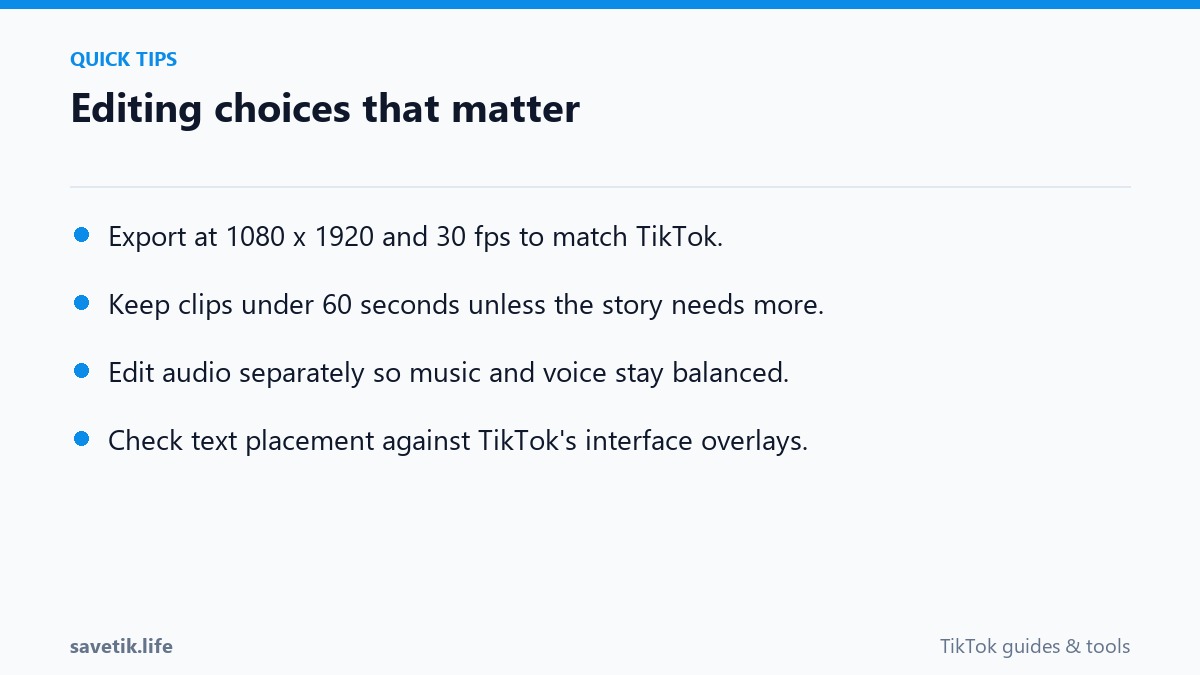
- Auto-Captions and Polish: Generate dynamic on-screen subtitles, highlight key keywords with high-contrast text colors, and export at 1080p, 30/60 fps, H.264 MP4.
Frequently Asked Questions About Mobile Editors
Do free editing apps reduce video quality during export?
No, provided you select 1080p resolution and high bitrate settings in the export menu. Avoid exporting below 1080p to prevent mobile blurriness.
Are CapCut templates safe to use for brand accounts?
Personal accounts can freely use popular music templates, but business or brand accounts should stick to templates utilizing royalty-free commercial audio to avoid copyright flags.
Strategic Comparison: Selecting the Right Mobile Editor
To help you decide which free editing tool best fits your creative workflow, consider this quick decision framework:
- Choose CapCut if: You prioritize trending template integration, automated beat matching, and instant trending sound synchronization.
- Choose VN Video Editor if: You want professional multi-track timeline control, curve speed ramping, and completely ad-free exports without mandatory branding screens.
- Choose InShot if: You need fast, straightforward canvas adjustments, simple text additions, and lightweight rendering on older mobile hardware.
- Choose DaVinci Resolve Mobile if: You edit on an iPad Pro with an M-series chip and demand studio-grade color grading and audio leveling.